

How 2 maek an community build
This is a comprehensive guide/tutorial on how to make a Community Build on https://ctsfd.com
(Images may have misnumbered instructions bc I moved around the order a little bit after making the images)
Go to https://ctsfd.com
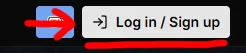
Click the “Log in / Sign up” button in the top right corner
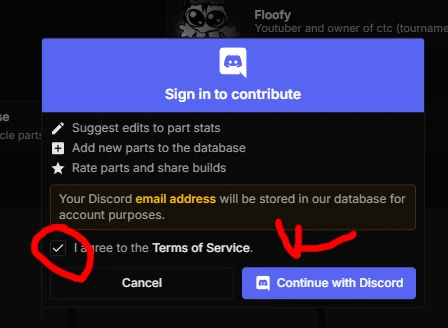
agree to the Terms of Service
/A Click “Continue with Discord” button
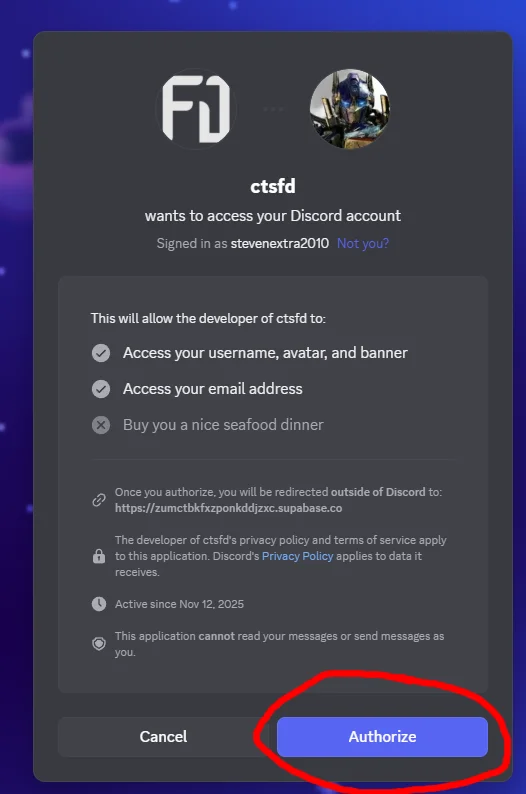
Click “Authorize“ button
Congrats you have now signed up / logged into https://ctsfd.com
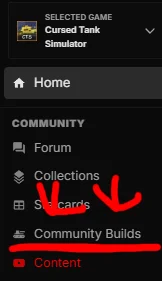
5.aClick the “Community Builds” button in the sidebar on the left (https://ctsfd.com/community/builds)
6.aClick on the “Create Build” button in the top right
Congrats you have now reached the Build Creator (https://ctsfd.com/community/builds/new)
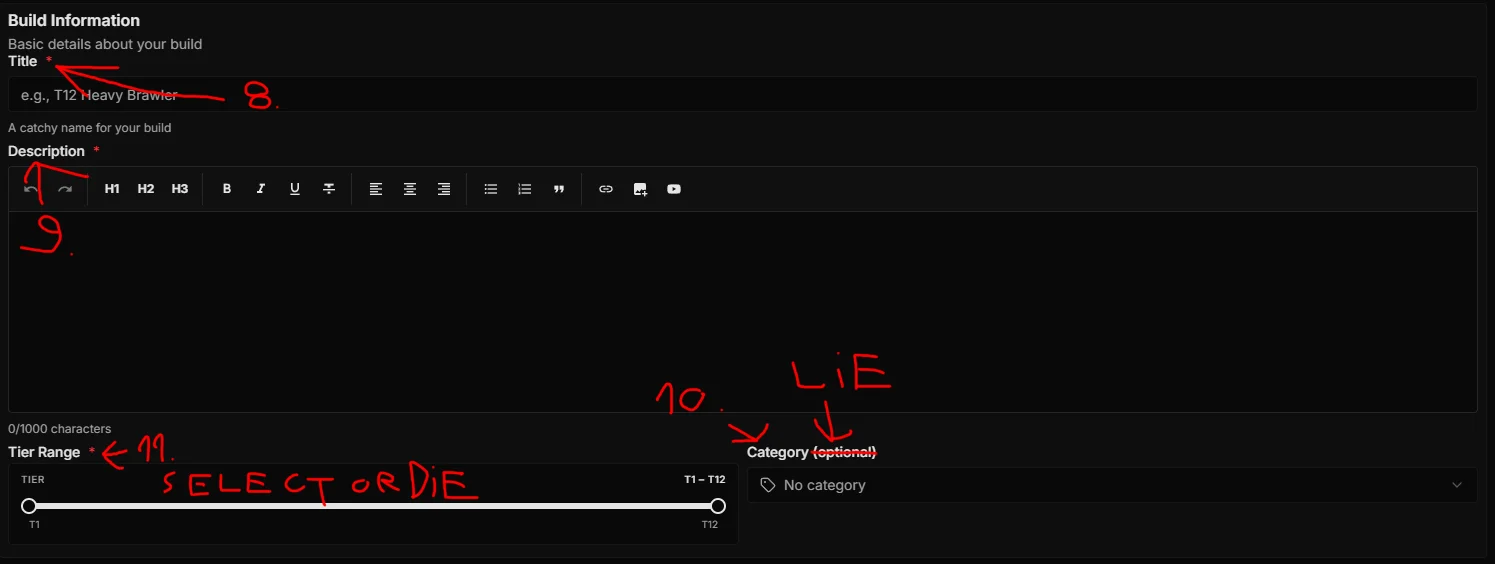
Title your Build
Describe your Build in the Description box
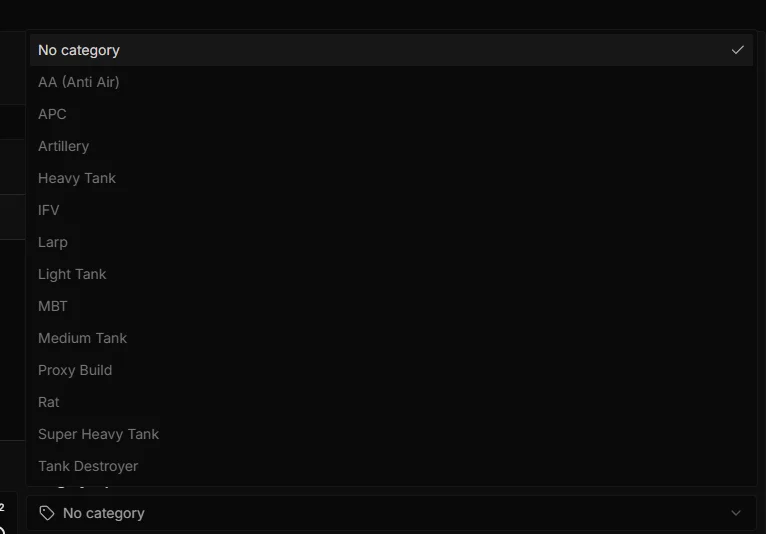
Set category (this is NOT optinal)
Select Tier Range (THIS IS REALLY ####### IMPORTANT DONT FORGET TO DO IT, IF YOU FORGET FIX IT AS QUICKLY AS POSSIBLE, please)
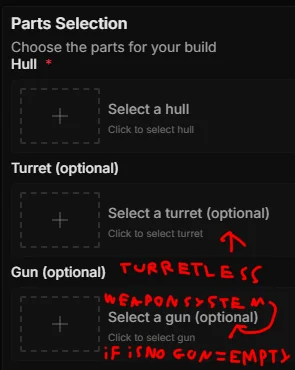
Select Parts: in the “Parts Selection” there are 3 (Three) parts
Hull
Turret
Gun
Turret and/or Gun are optional if they are built in, it is still nice to select guns for the turrets that have them built in
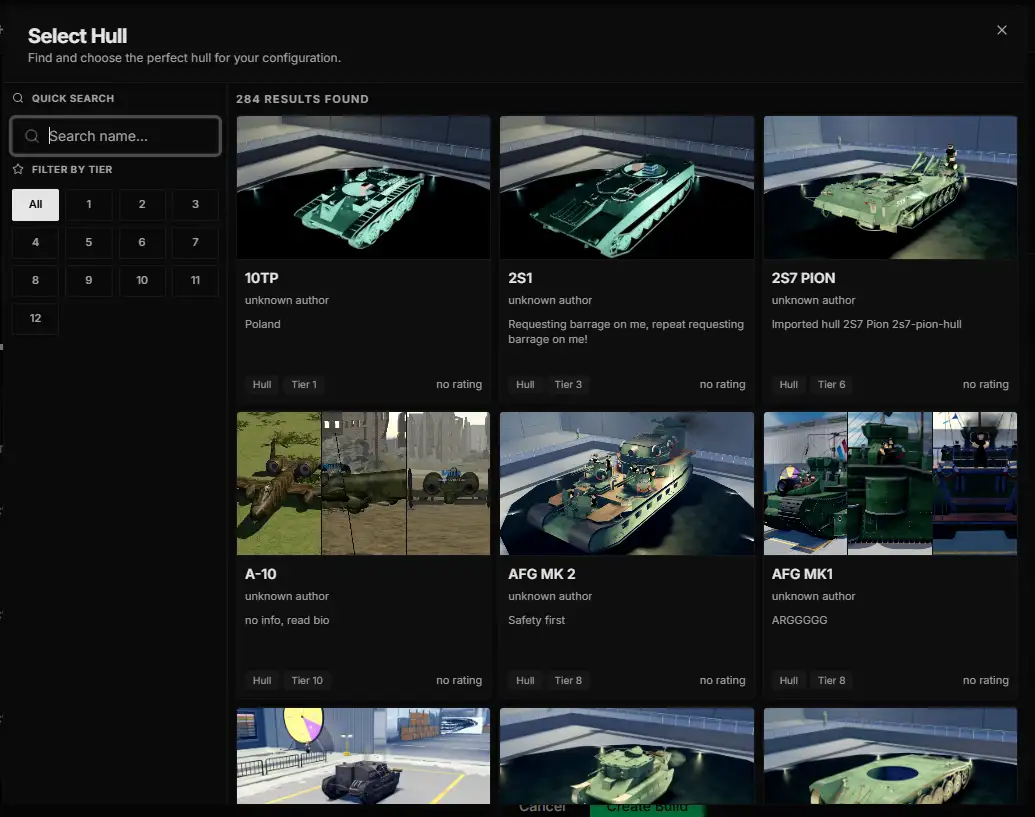
Click the green “Create Build“ button at the bottom middle of the screen to finally release your build into the greater world for everyone to use (((or click cancel)))
Fun fact:
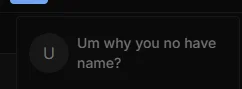
If you have 2 or more pages of CTSFD open and log out on 1 (One) of them your name will show as:
3 replies

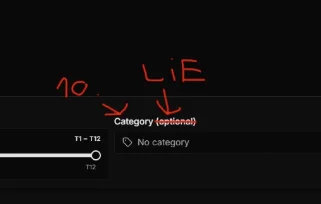
i didnt even know it wasnt optinal lol, i just put it there for the funnies
